Home / Blog / Electronic Shelf Labels POS Integration
Electronic Shelf Labels POS Integration: How Digital Tags Sync With Your Existing Cash Registers
Quick Technical Summary
Do we need to replace our current POS software to use electronic shelf labels? No. Electronic shelf labels (ESLs) connect directly to your existing point-of-sale or ERP software as a read-only display layer. You keep your current cash registers, barcode scanners, and BIR-accredited POS terminals exactly as they are.
How does electronic shelf labels POS integration actually work? When a manager updates a product price in your POS or head-office ERP, the ESL software picks up the change automatically—via an API call, a scheduled CSV export, or a database view—and pushes the new price to the matching shelf tag in under 60 seconds.
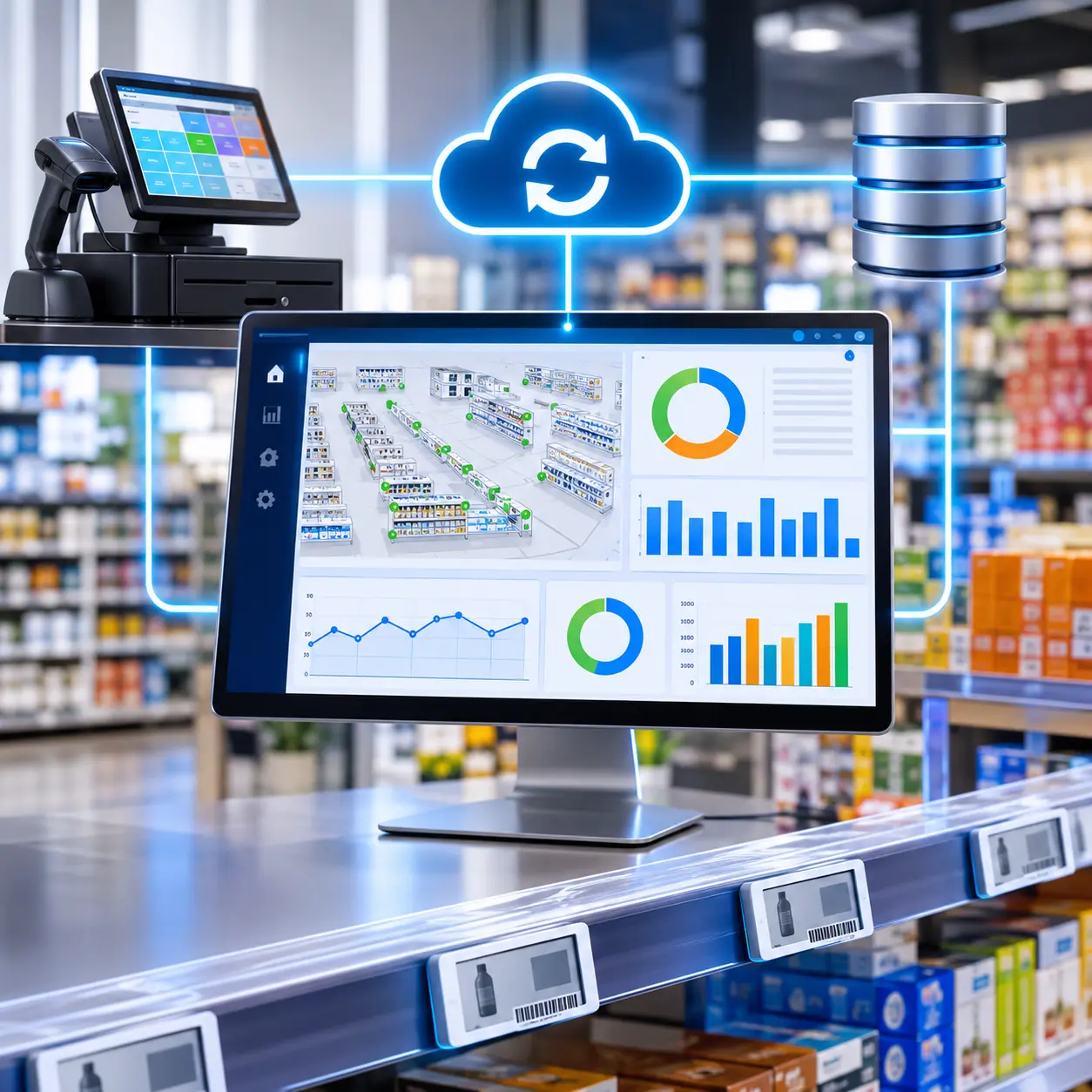
Whenever a Philippine retail IT manager or supermarket owner looks into electronic shelf labels, the first technical concern is almost always the same: “Our store runs on a BIR-accredited POS we spent years customizing. Will adding digital tags force us to change our checkout software?”
The short answer is no. Switching from paper tags to digital displays does not require replacing your cash registers, changing your accounting software, or retraining cashiers.
Good electronic shelf labels POS integration works strictly on top of your existing system. Your POS remains the single source of truth for prices, promos, and inventory counts. The ESL system simply reads those price updates and displays them on the shelf edge automatically.
Why Retail IT Teams Worry About POS Compatibility
Across the Philippines, retail chains run on a wide mix of software. Large hypermarkets often use enterprise ERPs like SAP or Oracle, while regional grocery stores, pharmacies, and mini-mart chains frequently rely on local Philippine POS vendors or custom-built SQL systems that have been running for over a decade.
IT heads understandably hesitate to touch working checkout software for three practical reasons:
- BIR Accreditation Rules: Modifying the core billing engine of a BIR-registered POS terminal can trigger compliance headaches and re-accreditation delays.
- Slow or Unstable Provincial Internet: Branches outside Metro Manila occasionally deal with broadband drops or cellular backups.
- Limited Store-Level IT Staff: A neighborhood convenience store or pharmacy rarely has an on-site technician to troubleshoot servers or software crashes.
Because our ESL platform never interferes with how your POS calculates totals or prints receipts, BIR accreditation stays completely untouched. Better yet, there are three different ways to connect the two systems depending on how old or modern your POS software is.
3 Ways Electronic Shelf Labels Connect to Your POS System
Whether your stores run a brand-new cloud POS or an older on-premise server from 2012, connecting your price list takes one of three standard paths:
1. Scheduled CSV or Excel File Drops (Best for Older or Custom POS)
Almost every POS software in the Philippines—even older legacy systems—can export a daily or hourly product list as a .csv, .txt, or .xml file into a designated folder.
In this setup, your POS drops a simple price file whenever prices change. Our integration bridge reads that folder automatically every few minutes, spots only the SKUs whose price or promo text changed, and updates just those tags. No coding inside your POS software is needed.
2. Direct REST API & Webhook Sync (Best for Cloud POS & Modern ERPs)
If your company uses a cloud-based POS or modern retail ERP, your developers can connect directly to our REST API endpoints. The moment a merchandising manager hits “Save” on a weekend promo or price hike in headquarters, the ERP fires a lightweight JSON packet straight to the ESL cloud server.
This method delivers near-instant execution across dozens of branches at the same time—ideal for chains running time-sensitive day-part deals on hot meals or flash beverage promos.
3. Read-Only Database View (Best for On-Premise SQL Servers)
For multi-branch supermarkets running on local SQL, MySQL, or PostgreSQL back-office databases, we set up a safe, read-only database view (or staging table). The ESL connector checks that read-only table for changes on a set schedule. Because it never writes data back into your POS tables, there is zero risk of slowing down checkout lanes or corrupting sales records.
| Integration Method | Best Suited For | Typical Sync Speed | POS Coding Needed? |
|---|---|---|---|
| CSV / File Drop | Legacy local POS, custom FoxPro/desktop apps, Excel-managed stores | Every 1–5 minutes | None (uses built-in export) |
| REST API / Webhooks | Cloud POS, SAP, Oracle, modern franchise ERPs | Instant (under 60 seconds) | Minimal (standard API call) |
| Read-Only DB View | On-premise SQL Server supermarkets & regional chains | Every 30–60 seconds | None (read-only query) |
What Happens Inside the Store: From Head Office to the Shelf Edge
Once your POS sends a price change, the physical path to the shelf is built to stay simple and server-free inside each branch. Instead of installing heavy desktop PCs in every store back room, each branch only needs one compact enterprise wireless communicator.

Here is the exact sequence that runs automatically behind the scenes:
- Price Change Detected: Your headquarters POS updates the price of a 1.5L soda bottle or marks down fresh bakery trays.
- Template Rendering: Our cloud server takes the new price, promo badge (like “Buy 1 Take 1” or “Save ₱15”), and unit price, then draws the crisp e-paper image layout automatically.
- Store Gateway Delivery: The update travels over standard store internet (broadband or 4G) to the ceiling-mounted Power-over-Ethernet (PoE) communicator.
- Encrypted Wireless Broadcast: The communicator broadcasts the update across the store floor using dedicated Sub-GHz or BLE frequencies that do not interfere with store Wi-Fi or customer phones.
- Two-Way Confirmation: The digital tag flashes its new price and sends an electronic receipt back to head office confirming the screen updated properly.
What happens if the store internet drops or the power flickers?
Because e-paper is bi-stable, the current price remains frozen and 100% readable on the screen even with zero power or zero internet. If a branch loses broadband while headquarters pushes a price update, the cloud platform holds that update in a queue and delivers it the moment the store router reconnects.
How Floor Staff Pair Products Using a Handheld Scanner
Store managers often ask how long it takes to link thousands of individual products to their physical tags during setup—or when a clerk moves snacks to a different shelf.
There is no manual spreadsheet typing on the sales floor. Pairing a product to an electronic shelf label takes less than 5 seconds using a standard wireless handheld barcode scanner or mobile PDA:
- Scan the barcode printed on the back or front of the e-paper tag.
- Scan the product’s UPC/EAN barcode right on the bottle, box, or can.
- Within seconds, the label refreshes automatically with the product name, current POS price, and unit details.
If an item goes out of stock or moves to a promotional endcap, staff simply scan a new item onto that tag and the display updates itself.
Connecting POS Accuracy to Compliance and ROI
Linking your cash registers straight to the shelf edge removes the gap between back-office pricing decisions and physical store execution. For Philippine supermarkets handling 15,000+ SKUs, this directly prevents checkout disputes and DTI Price Tag Law compliance issues under Republic Act No. 7394.
At the same time, eliminating manual paper exports, printing, cutting, and aisle-walking cuts 15 to 30 labor hours per branch every week—driving rapid electronic shelf labels ROI. You can see how this setup applies across specific formats on our supermarkets solution page and our convenience stores solution page, or browse our full ESL hardware lineup.
Testing Integration With Your POS Before Rolling Out
You do not have to commit to a nationwide rollout before testing compatibility. Our engineering team in Makati can test a sample CSV export or API webhook from your exact POS software in our technical showroom—showing live price updates firing from your data onto physical Chroma Aeon and Aura Aeon tags in real time.
Want to Test ESL Sync With Your POS Software?
Send us a sample price export or schedule a live integration demo with our Makati engineering team to verify compatibility with your current registers.

Written by ESL Philippines Solutions Engineering
Specialists in wireless e-paper network architecture, retail POS integration, and automated store operations based in Poblacion, Makati City.